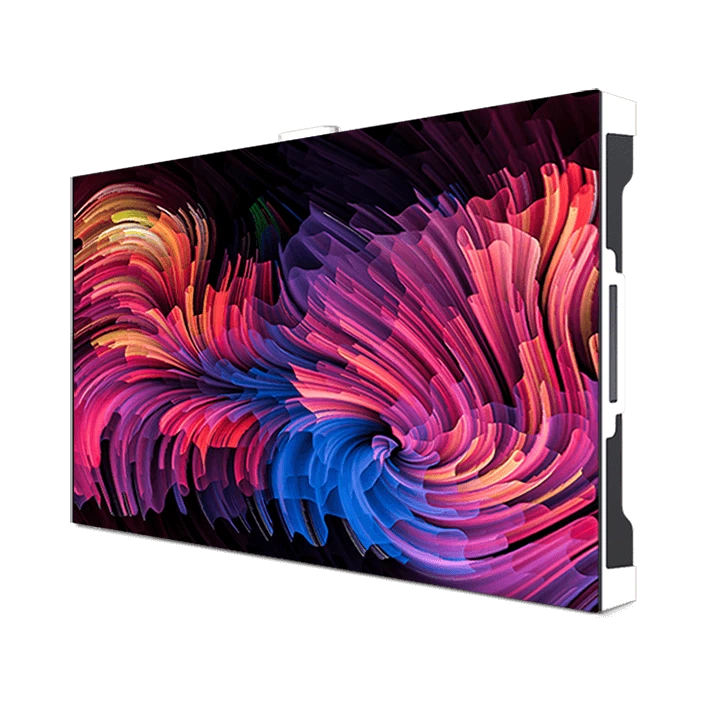
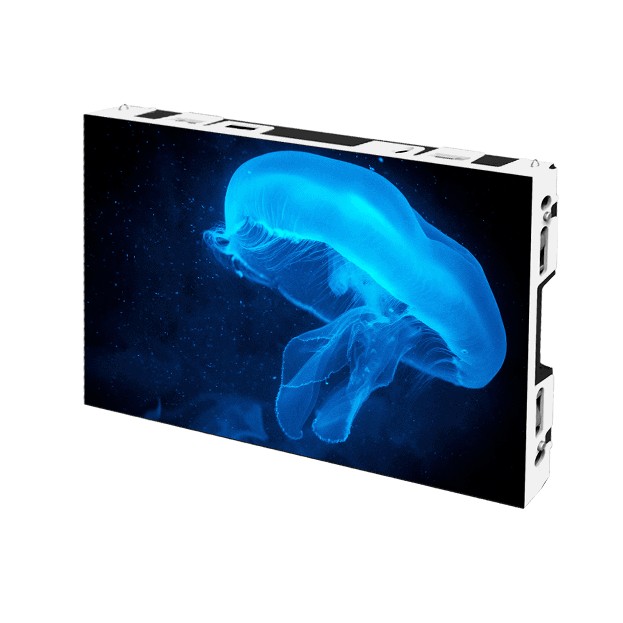
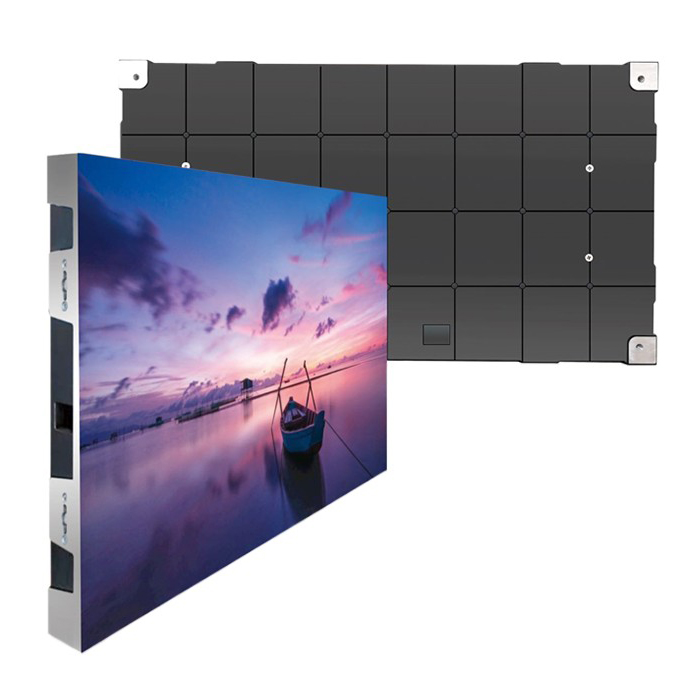
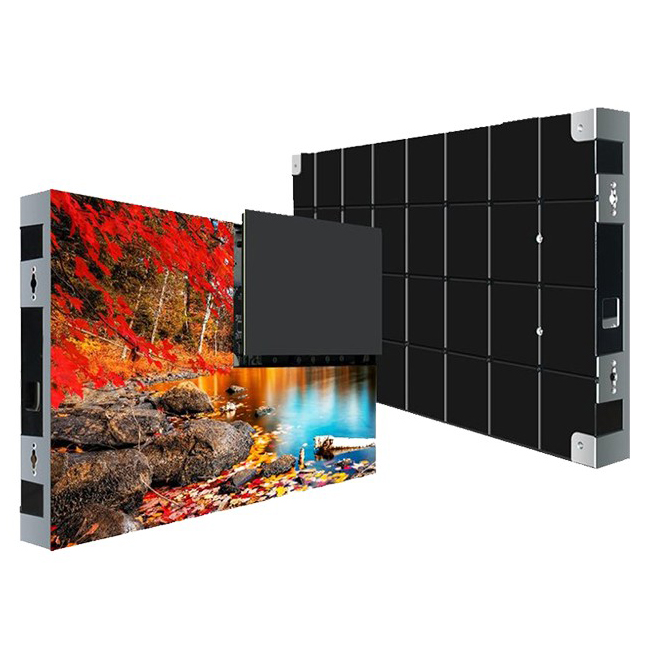
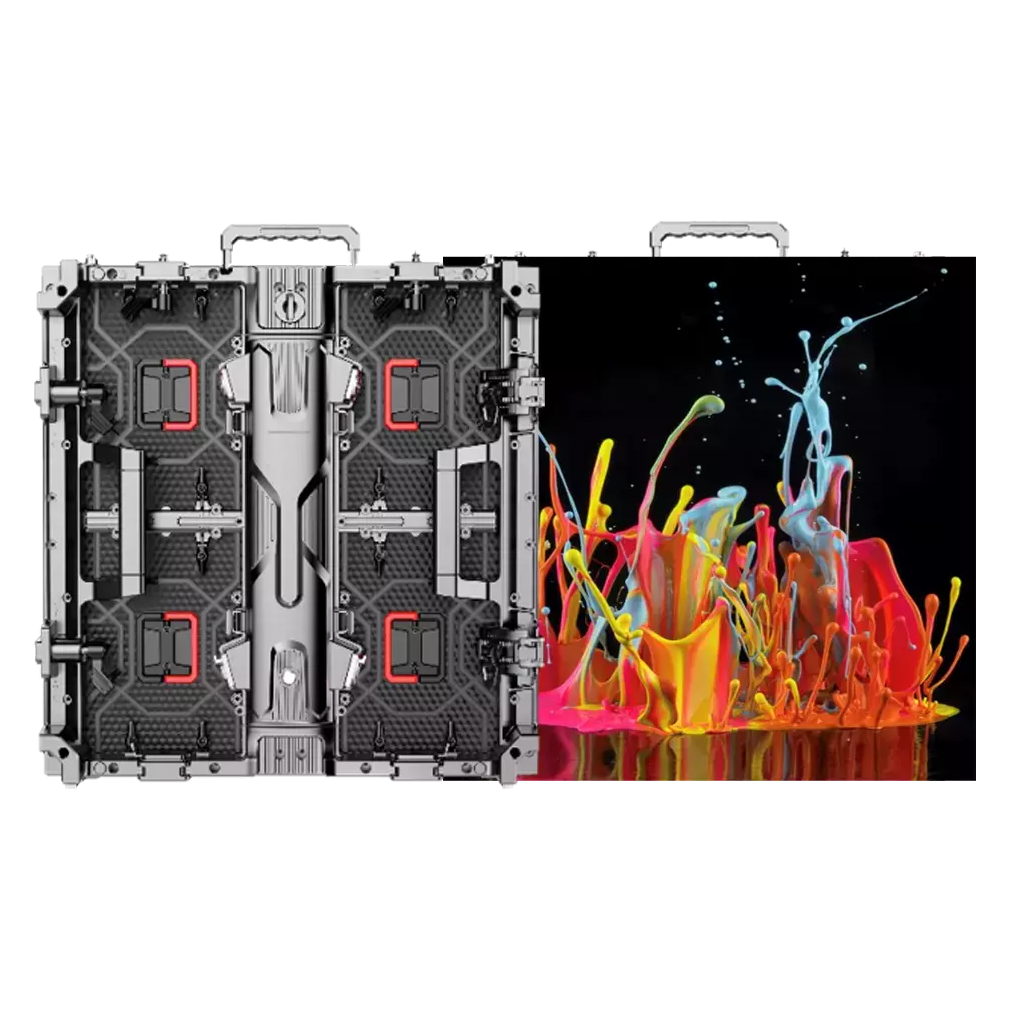
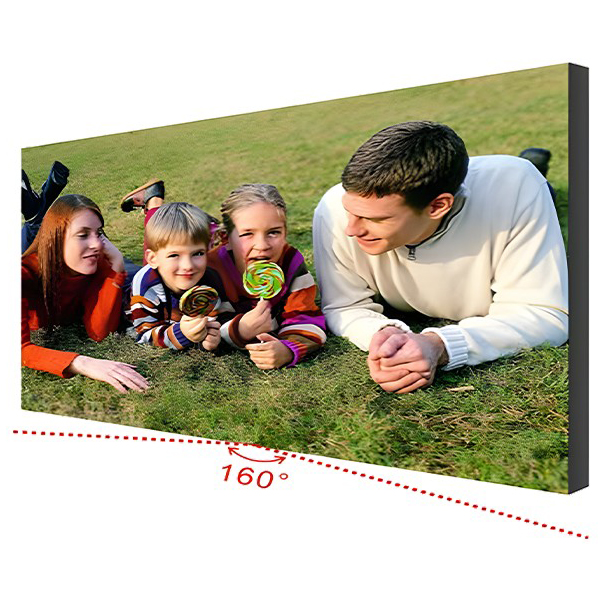
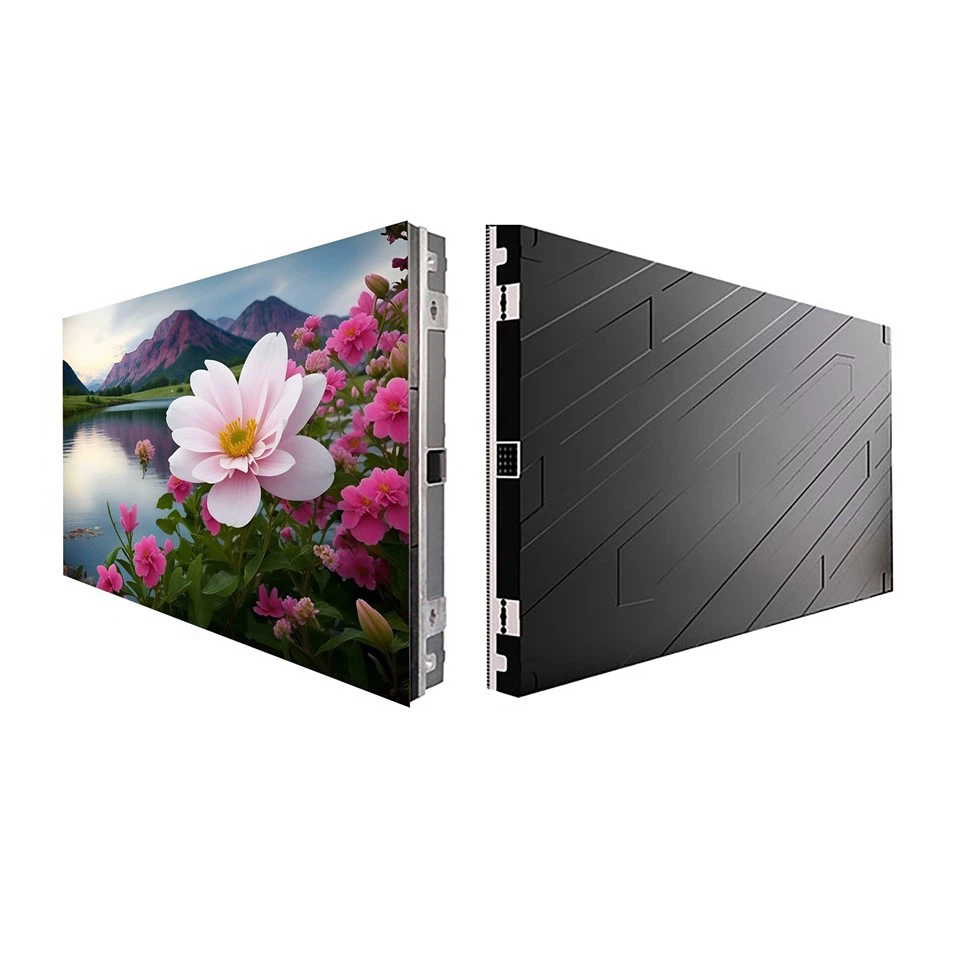
The newly unboxed large LED screen is placed on the floor. Does your scalp feel numb when you look at the pile of red and green threads? Last week, a restaurant owner ran into this problem - he connected the power cord to the signal port, and when the power was turned on, it immediately started to smoke! Today I will take you through the ins and outs of these interfaces and teach you step by step how to avoid pitfalls.
1. First identify the three lifeline lines
Doing large-screen wiring is like performing surgery on people. There must be no mistakes in blood vessels (power supply), nerves (signals), and skeleton (structure).
Focus on these three lines:
- Thick power cord : The brown wire is connected to the live wire (L), the blue wire is connected to the neutral wire (N), and the yellow-green striped wire must be connected to the ground wire (GND). Last year, a supermarket chain did not have a grounding wire. During the rainy season, the screen leaked and the customers' mobile phones started to smoke.
- Flat signal cable : Aim the end with the arrow at the "in" port of the control card and insert it. If it is reversed, the screen will be messed up immediately. The most outrageous case I have ever seen was when a worker used a utility knife to cut the cable ends, and 9 of the 28 copper wires were broken.
- Reinforced bracket cable : The outdoor screen must be connected to a lightning protection module, otherwise wait for the "lightning special effects" during thunderstorms
(At this time, someone must have asked: What should I do if the threads are of different colors? I’ll teach you a trick – look at the printing on the thread body! V+ is the positive pole, GND is the negative pole, and DATA is the data signal)
2. Wiring secrets for different scenarios
Don’t think that all large screens have the same connection method. There is a huge difference between store advertising screens and concert floor tile screens!
Scene 1: Store front screen
- Start with 2.5 square meters of copper wire for the power cord.
- It is most secure to use 20P cable for signal lines.
- A rainproof junction box must be installed. I have seen connectors wrapped in plastic bags, and green hair will appear after three months.
Scene 2: Stage rental screen
- Quick-plug aviation heads are standard
- Each box must be independently grounded
- Signal lines must be connected in series "hand in hand". At last year's music festival, half of the screen was blacked out for half an hour because of jumper connections.
Scene 3: Integrated screen in conference room
- Choose Category 6 shielded network cables
- HDMI cable requires version 2.1 to support 4K@120Hz
- Let me tell you secretly: running power lines and signal lines separately can reduce 80% of snow spots.
Soul torture session
Q: It is said online that connecting the wrong cable will burn the screen. Is this true?
A: I just handled a case last month - the electrician connected 220V to the 5V signal port, and the control card directly exploded sparks. The repair fee is more expensive than a new screen!
Q: How to judge whether the wiring is secure?
Teach you three ways to inspect goods:
- Pull the thread hard (qualified interface can withstand 5kg pulling force)
- Use a multimeter to test continuity (resistance value should be <0.5Ω)
- After turning on the phone, touch the cable sheath (the lukewarm temperature is normal, if your hands are hot, the power will be cut off immediately)
Tips to save energy and save lives
- Common cathode drive saves 50% power than traditional connection method
- Intelligent temperature-controlled power supply can extend screen life by 3 years
- After the wiring is completed, spray conformal anti-paint to increase the anti-oxidation effect by 70%.
(Don’t underestimate these details. A certain gymnasium was sued for millions in compensation due to oxidation of the joints and the big screen suddenly went black during the game.)
Tell me something private about the old master
Do you know? In fact, 80% of screen failures are caused by improper wiring. Last year we inspected 200 screens for repair, 143 of which were due to:
- 38% have no ground wire
- 25% of the cables are plugged in backwards
- 17% power cord diameter is not enough
Nowadays, new large screens are equipped with intelligent detection functions. If the wrong wire is connected, the power will be automatically cut off and the alarm will be triggered. But the old screen still needs to be checked manually. Remember this formula: "Brown, fire, blue, zero yellow and green, the arrows for arranging lines should be squeezed inward.""
Finally, here is some hard-core data: According to the 2024 industry report, standardized wiring can reduce the screen failure rate from 23% to 4.7%, saving an average of 12,000 yuan in annual maintenance fees. Before wiring next time, take out this guide and compare it three times!